Ecosystem
Marketplace
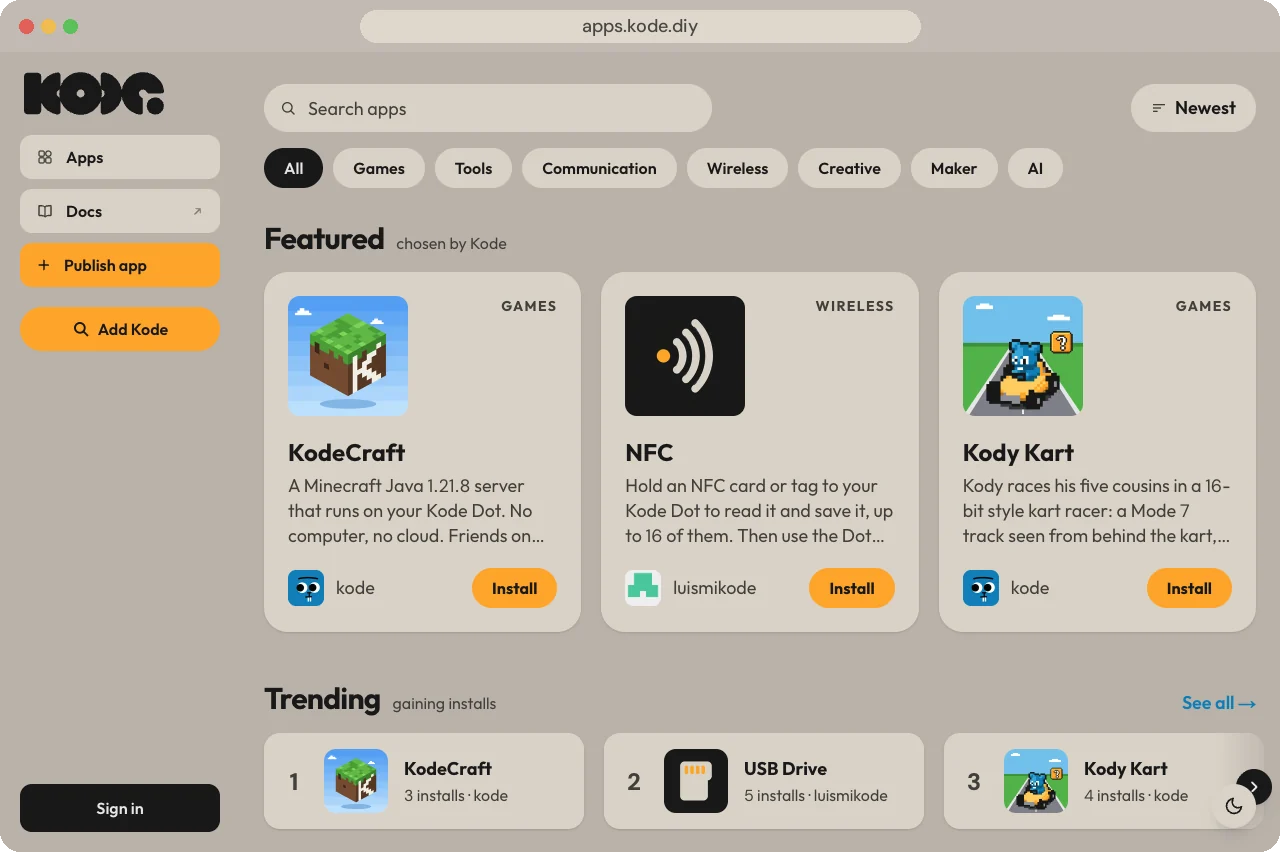
apps.kode.diy, the catalog of apps for the Kode Dot. Install one over USB from a computer, rate what you ran, and publish your own through review.
What it is
The marketplace at apps.kode.diy is the catalog of apps for the Kode Dot.
Makers publish them, and Kode tries each one on a real Kode Dot before it is
listed. Browsing, searching and installing need no account.
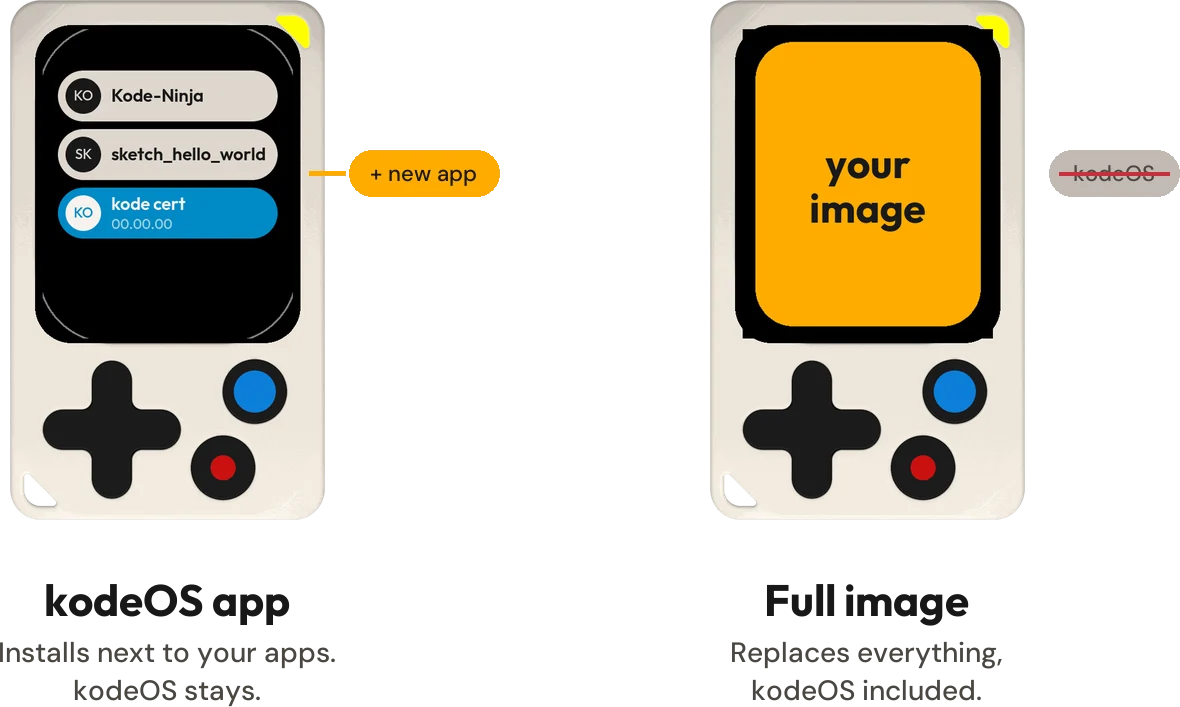
Every app is one of two kinds, and the kind decides what an install does. An app's page says which one it is, beside its name.
Install from a computer
- Open
apps.kode.diyin Chrome or Edge. The install goes through Web Serial, which Safari and Firefox do not have. - Plug the Kode Dot in with a USB-C cable that carries data, not just charge.
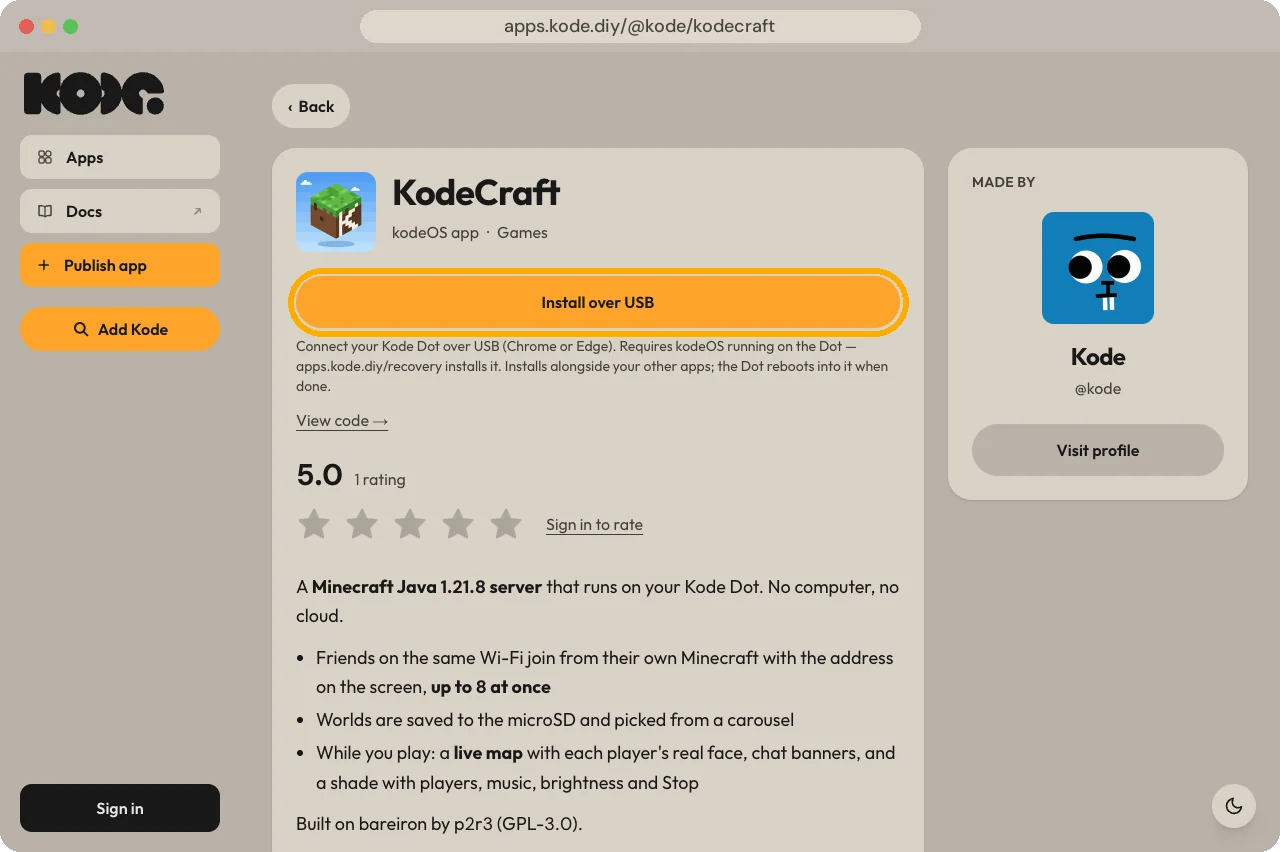
- Open an app, press Install over USB and pick the Kode Dot in the browser's port list.
- Wait for the install to end. The Kode Dot reboots into the app.
Install without the port list
Add Kode, in the sidebar, connects a Kode Dot over the cable or over Bluetooth and keeps it under Your Kodes. From then on the button on an app's page reads Install on and the Kode Dot's name, and no port list appears.
The last step of Add Kode, which you can skip, puts the Kode Dot on Wi-Fi and on your account. A Kode Dot that is on your account and online takes kodeOS apps over Wi-Fi, with no cable and from anywhere. A full image always needs the cable.
Rate, review and publish
Signing in, with GitHub, Google or Apple, opens these. One account per email: a second provider with the same email is refused, not linked.
.bin of up to 30 MB with a name, a version and a description. A reviewer tries it on a Kode Dot, and it is listed once approved.When something goes wrong
apps.kode.diy/recovery, or Reinstall kodeOS at the foot of a Kode Dot's page on the marketplace, installs kodeOS again and erases the whole Kode Dot first: apps, saved Wi-Fi networks and storage.